
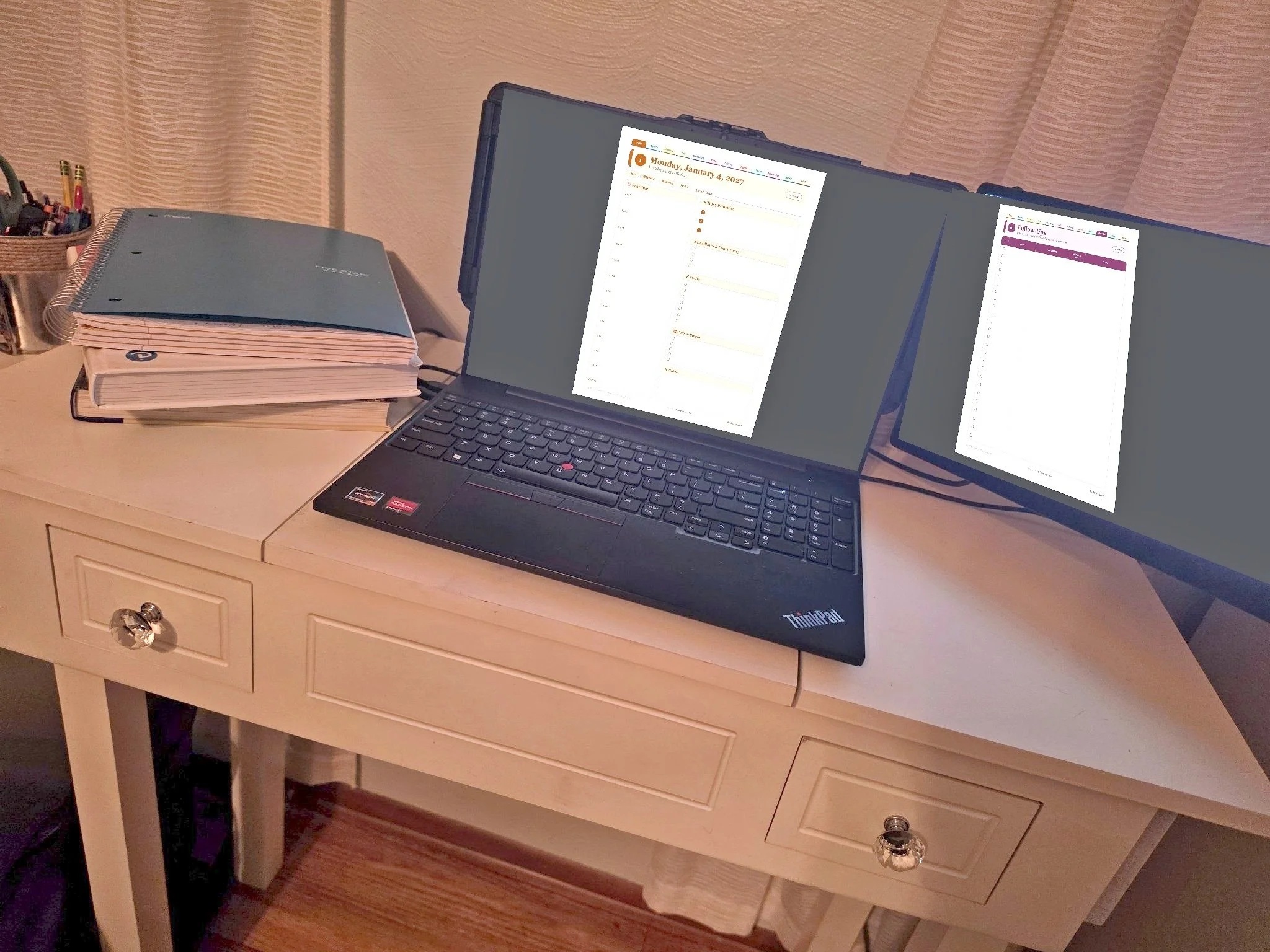
My workday runs on four simple systems: a top-three list, one email rule, a color-coded calendar, and a daily log. None of them are complicated. And the day doesn't start in the morning — it starts at the end of the day before.
Start With Three Priorities
Before I leave, I write tomorrow’s top three priorities. The end of today is the start of tomorrow.
Those three sit at the top of a notebook page. Under them g
oes everything else I want on my radar — demands, complaints, depositions to schedule — grouped loosely by category. The top three are the plan. The rest is just radar. A daily planner page or the ADHD Focus section of the Law Office Planner does the same job; what matters is that the three exist before the day starts throwing things at you.
2. Open the Same Four Things
Every morning, in the same order:
Email
Calendar
Case management system
Daily log
Then I review three things: my tasks (what's most important, what's deadline-driven), my calendar (today and this week — anything that has to be filed?), and my email. The month-level calendar work exists too, but that's a bigger system — it's coming in Case Management 101.
3. Log Everything: If It Wasn’t Recorded, It Never Happened
Everything I do goes into the case management system. Every call gets a call log. Every case gets status updates. Every step gets recorded as it happens, not reconstructed later.
This is my accountability rule, and I hold myself to it first: if it wasn't recorded, it never happened. Memory is not a record. The log is.
It also pays off later more often than you'd think. A date, a conversation, a promise someone made — months from now, when it suddenly matters, it's sitting right there in the file, in writing, because I logged it the day it happened.
4. Treat Every Email as a Task
My rule: leave the office with zero unread emails. If you're staring at a thousand unread, mark them all read and start the rule today.
Every email lands in one of five categories:
No action. The autopay notice for the office wireless bill went through for the normal amount. Mark it read and move on. This clears a third of a typical inbox — and marking it read matters, because it closes the loop in your brain.
File it. An explanation of review from the insurance company belongs in the file. Download it, name it, upload it — one minute, done. (Our office is fully paperless, so everything lives at the search of a fingertip. If you want the article on going paperless, email me and I'll write it.)
Answer it. Opposing counsel agrees to a deposition date: calendar it, send the notice, book the court reporter. Real work, but quick — and these add up fast.
Project. A detailed letter about medical records that requires pulling files and verifying every fact is not an email. It's a project. Those stay unread on purpose — they're the ones that genuinely can't be handled yet, and they're the only ones that should still be glowing by the end of the day.
Defer it. And when a project is real but other priorities outrank it today? Defer it. Forward it to yourself, scheduled to arrive on a future date — tomorrow, next week, whenever it actually fits. Then mark today's copy read. The zero-unread rule holds, but nothing has been forgotten. It hasn't been dropped. It's been deferred, and it will land back in front of you exactly when you told it to.
5. Follow Up Without Losing the Thread
Here’s where most people fail: the first step of a task is not the task.
My attorney asks me to schedule depositions. I check the calendar, email opposing counsel, propose dates — first step done, so the email gets marked read. But the task isn't finished until dates are agreed, notices are sent, and a court reporter is booked. Someone always doesn't respond.
I run three follow-up systems, in layers:
A notebook list for the bulk of them.
The calendar for the ones with real dates.
A scheduled email to myself for the time-sensitive ones. This is my supreme method. I draft an email to myself, set it to arrive in a week, and write the checklist right in it: Did opposing counsel respond? Did you send the notices? Did you book the reporter? When it lands, it's an open loop I can't ignore — too important for a list of a hundred items, and it doesn't clutter my calendar. (Schedule-send is built into most email programs. Look for the arrow next to your Send button.)
6. Color-Code the Calendar
Categories mean nothing if you have to see all of them at once. Mine:
Blue — Events. Anything someone has to show up for: hearings, trials, depositions, calls, conferences.
Red — Deadlines. Mine. The ones that can hurt you — filings, discovery, pretrial statements.
Gray — OC Deadlines. Opposing counsel's dates. Not mine to meet — mine to watch, so I can follow up the moment they're late.
Purple — Proposed Dates. Every date I have offered anyone, in any case. Four lawyers narrowing nine proposed dates down to three is hard enough in one case; run it in four cases at once and you will offer away a day you've already promised. Purple stops that.
Yellow — Follow-Ups. Honest caveat: this only works when the caseload is light. Mine isn't, which is why yellow is my third layer, not my system.
Green — Treatment Status. Personal injury clients don't all need the same check-in interval — one week after a concussion clinic visit, six weeks after surgery. Green builds each client a custom timeline. I've since delegated this entire calendar.
I also keep payroll and HR calendars in their own greens. Your role will dictate your categories.
The real trick is the toggle. Most days I view only four categories: events, deadlines, OC deadlines, proposed dates. When I'm deep in scheduling, I narrow to two — blue and purple: where we must appear, and what’s still in play. Nothing overlaps.
7. Keep a Daily Log
On my first day in a law office, my attorney handed me a notebook and told me to log what I did each day. I assumed it was about productivity. It wasn't.
Today the log is a Word document — a new one each day, dated, filed by year. The entries are shorthand only I need to understand. When I start a task, it goes in the log with its next steps underneath. When I'm pulled away mid-task, I highlight everything unfinished.
Because the interruptions always come. A long client call spawns three more tasks. An adjuster calls with a settlement offer before those are done. A court clerk emails that an exhibit failed to upload and must be resubmitted by 5 PM. Four tasks deep, nobody can remember what they were doing three tasks ago.
The log can. It's the skeleton of my day — every open loop written down, every loop steered back to and closed.
8. Close the Day, Close the Week
At the end of the day I audit: what got done, what didn't. Some days all three priorities fall. Some days none do. Either way, I reset the top three for tomorrow based on what's actually coming due.
On Friday, I do the same thing for the week ahead.
What this doesn't cover is the long game — managing a trial that's months out, or building backwards from a pretrial statement through experts, examinations, and reports. That's next: Case Management 101. This was the day. That one is the war.
I hope some of this helps keep your workday as organized as mine. And by organized, I mean organized chaos.
— The Law Closet
