
I’m proud to present the TLC Planner app — and it’s free.
It was made for our hyperlinked planners, and it does a few things I’m genuinely excited about:
It runs your TLC planners the way they were meant to be used — every tab, every link, every page.
You can make your own unlimited journals and notebooks, with the covers and pages you actually want.
You can import your own PDFs and write right on them — forms, documents, worksheets, whatever crosses your desk.
And it all syncs. Phone, tablet, computer — same planner, same handwriting, wherever you pick it up.

Meet TLC Planner. Free, and made to live on every screen you own.
First, the Why: One Planner, Three Screens, Zero Sync
Let me back up, because this app exists for one very specific reason.
We made an amazing hyperlinked planner. I mean that — I use it every single day. And it works fine in the planner and journal apps that are already out there. Plenty of people use it that way and love it.
But when I was using my own planner, I ran into one really big frustration: it didn’t work across platforms.
Here’s my actual life. I have a Galaxy S26 Ultra, and it’s great with the stylus pen — but it’s a phone. Everything is tiny. I have to write very small, and after a while that stops feeling like a notebook and starts feeling like a chore.
I also have an iPad, and the iPad is ideal — it looks and feels like a real notebook, and my planner is beautiful on it. But I’m not always carrying my iPad. I am always carrying my phone. And when I’m at my desk, I want my planner on my computer too.
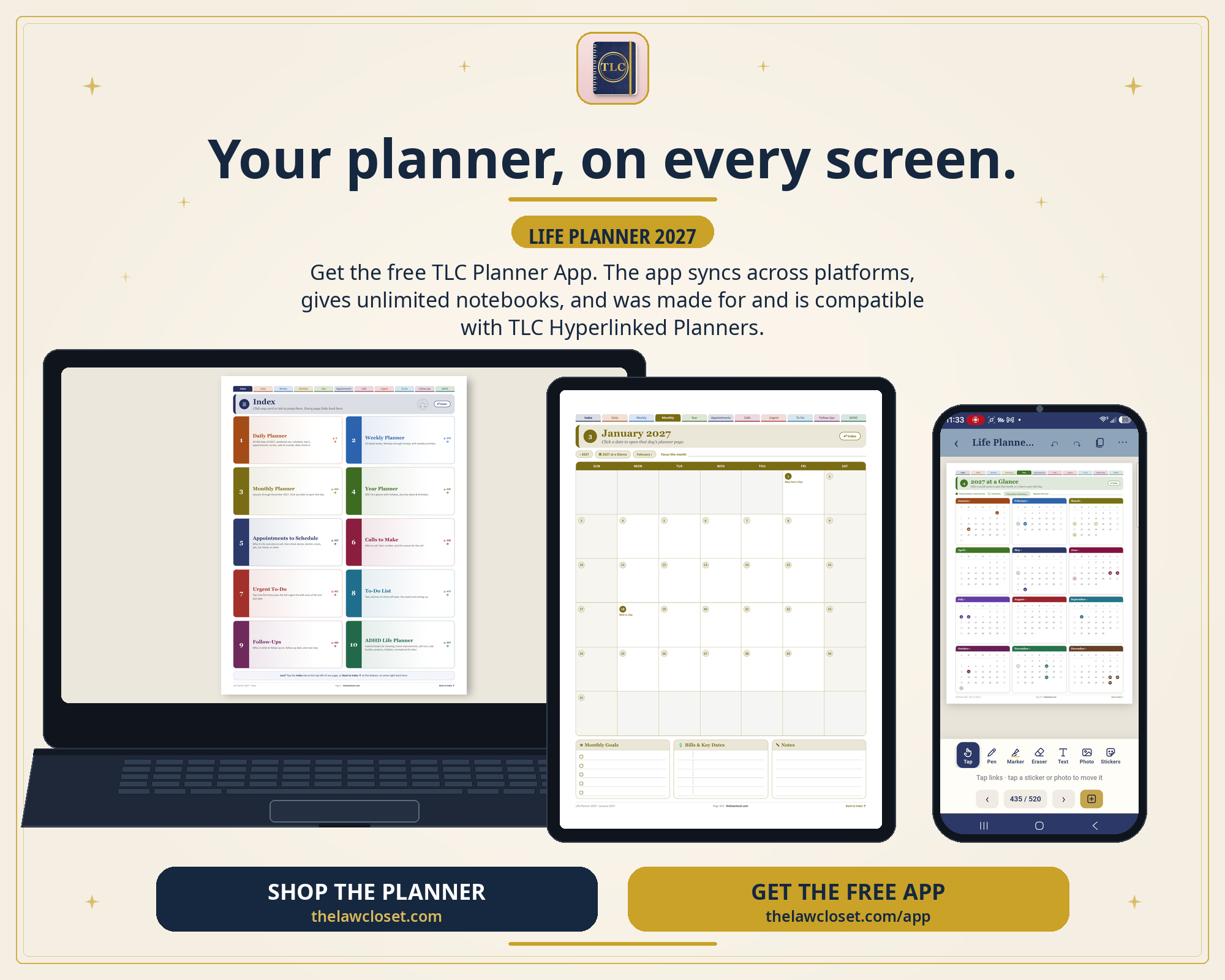
One planner, three screens. The way it should have worked all along.
There were apps where I could use my planner on one platform or another. What there wasn’t was an app that synced — start a page on the iPad at home, check it on my phone in the car, pull it up on my computer at the office, and have it be the same page every time.
So I created this app. That’s the whole reason it exists: your planner, synced across platforms.
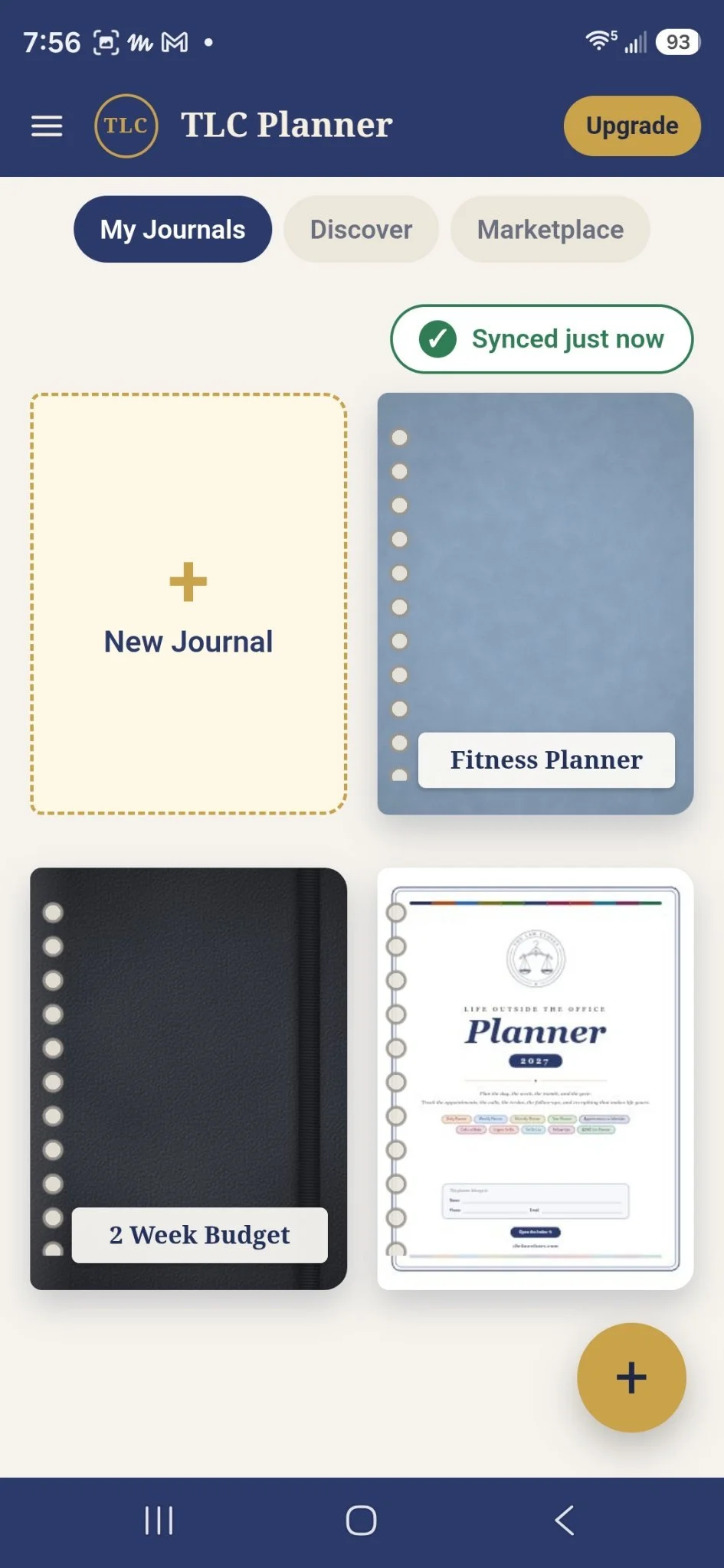
See that little green check? Synced. Just now. That’s the whole point.
Made for TLC Hyperlinked Planners
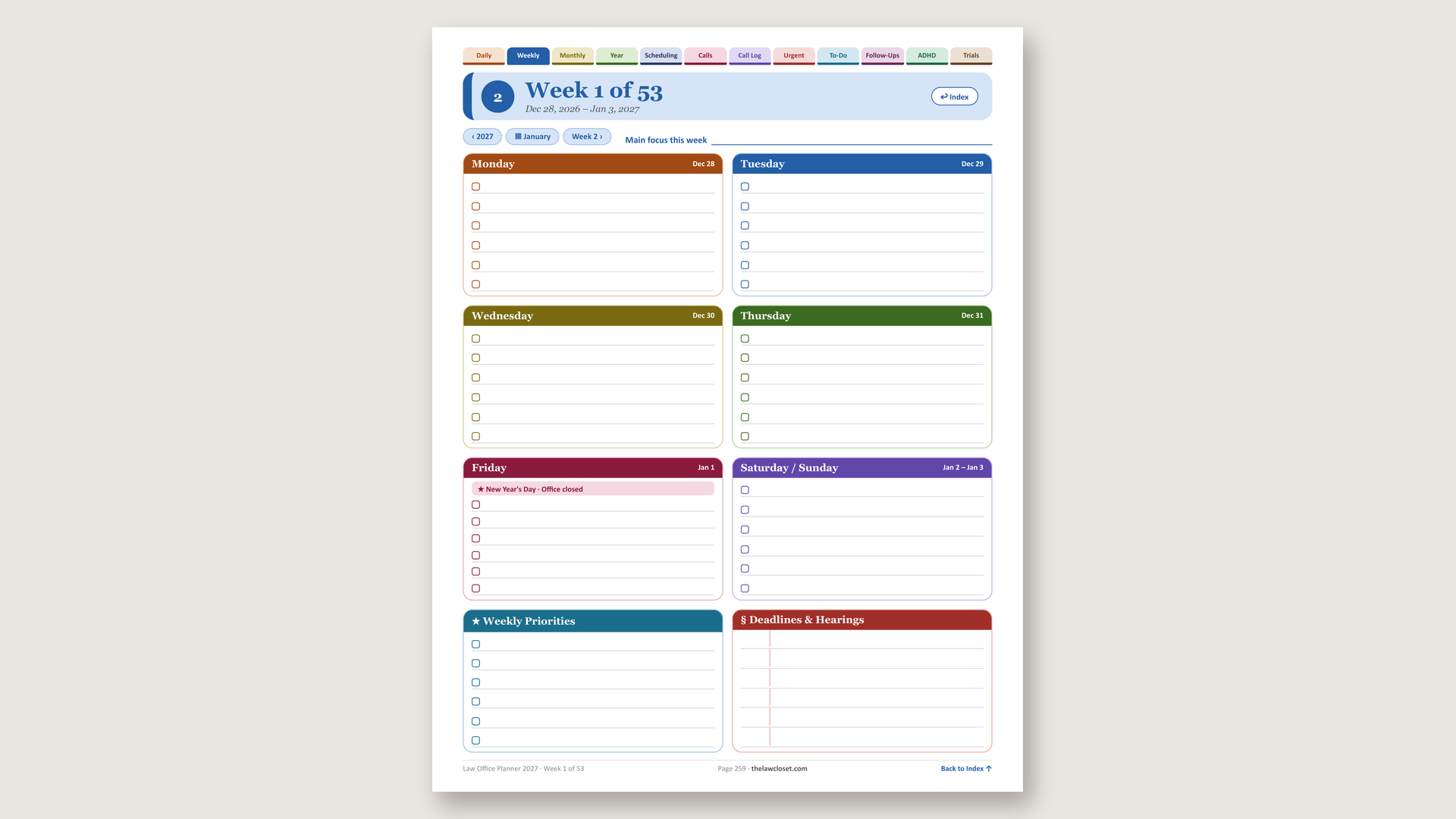
Import one of our planners and it works exactly the way it was designed to. Every tab jumps where it’s supposed to jump. Every link lands where it’s supposed to land. Write on every page with your finger or a stylus — the pen responds to pressure, and there’s a highlighter, an eraser, text, photos, and stickers when you want them.
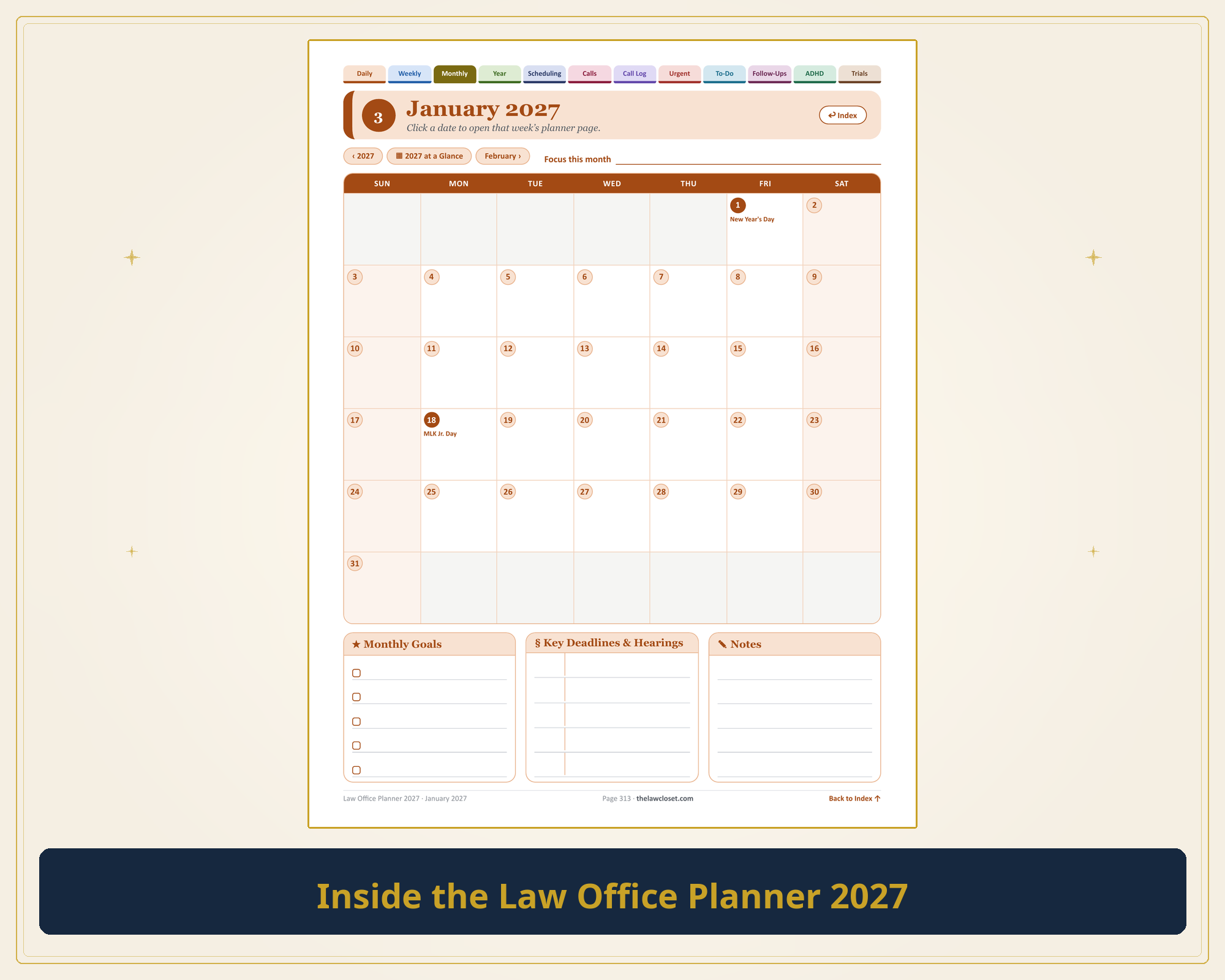
Inside the Law Office Planner 2027. Tap a tab, tap a date — you’re there.
If you’ve bought a Law Closet planner before, the app is yours free. That’s not a promotion. That’s just how it should work.
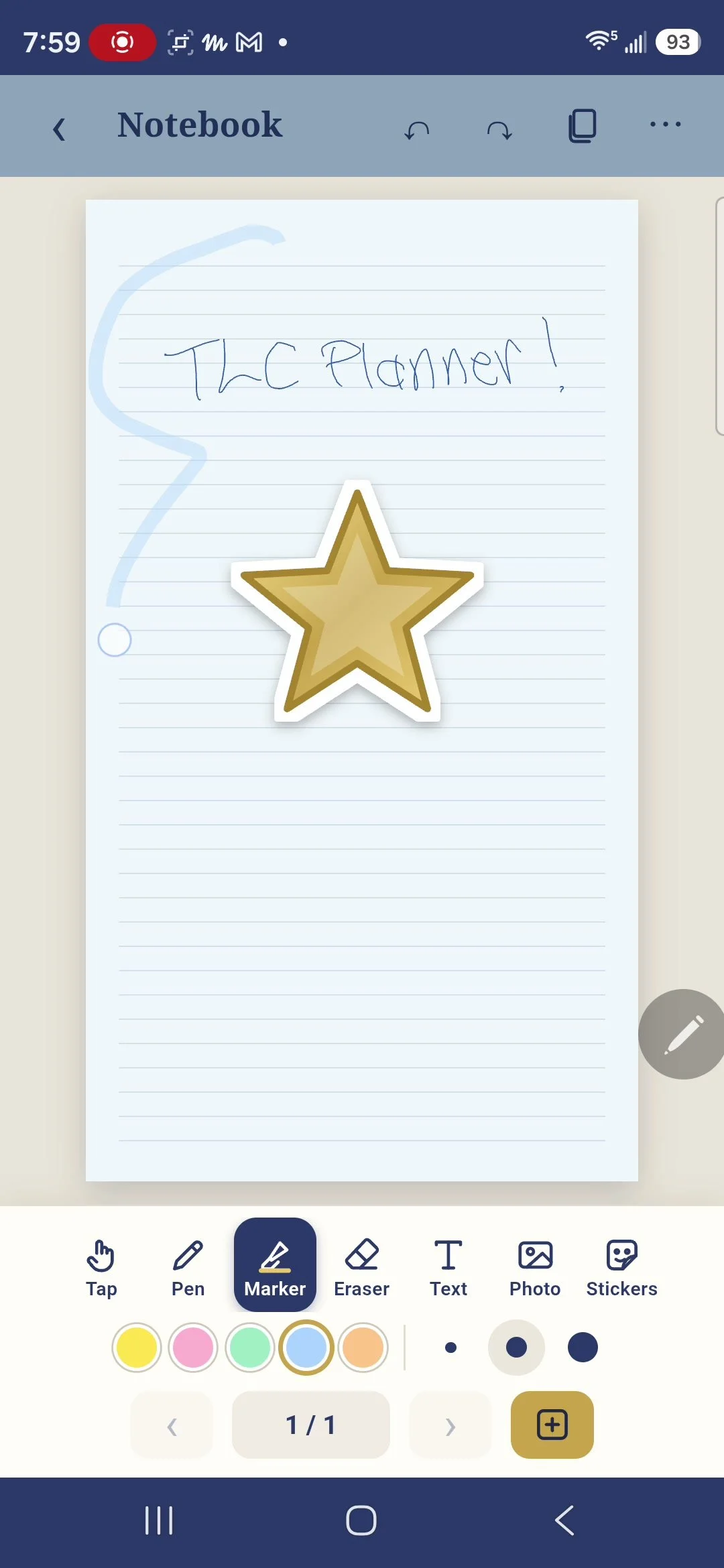
Pen, highlighter, stickers — write on it like it’s paper. Because it basically is.
Make Your Own Journals — Unlimited
Not everything is a planner. Sometimes you just need a notebook.
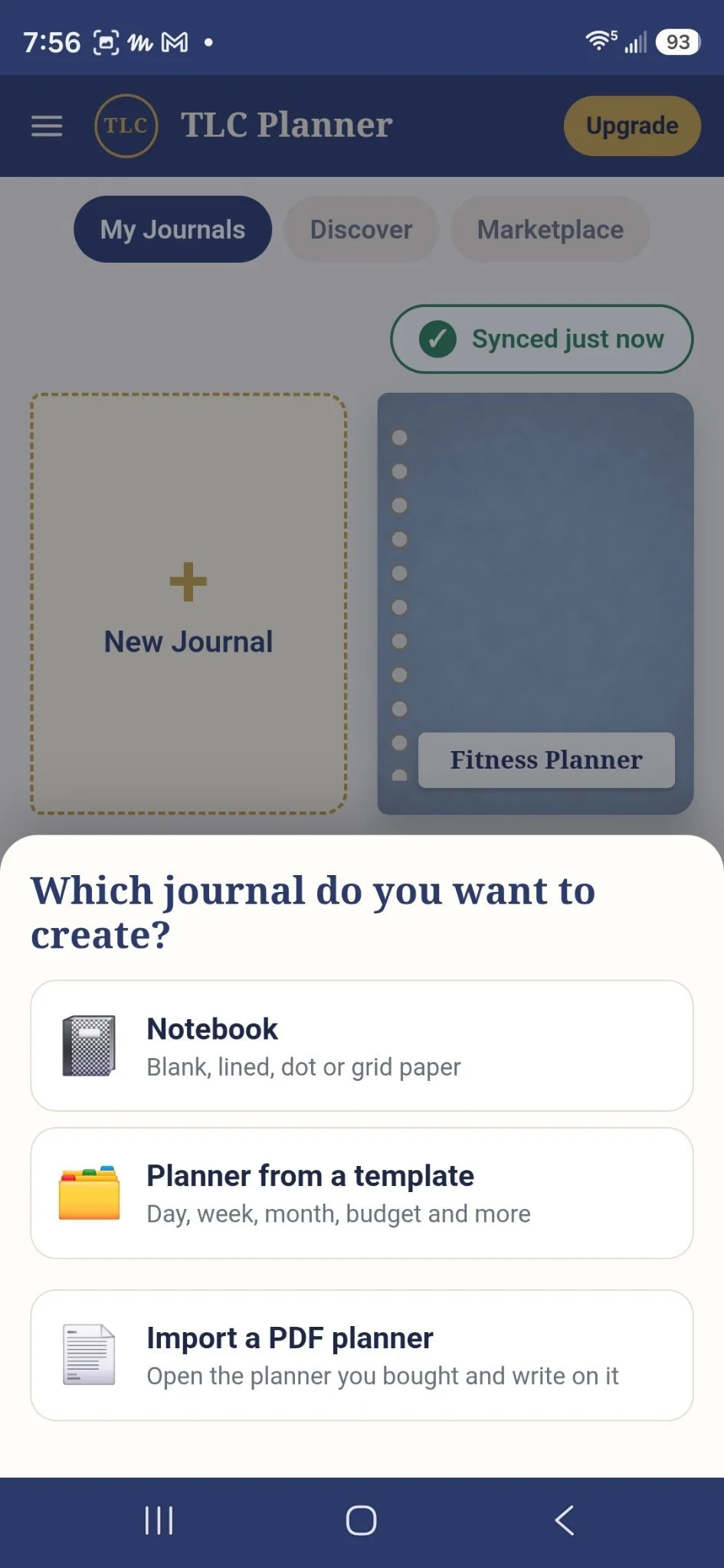
Your shelf, your rules: a fresh notebook, a template planner, or bring your own.
Build your own journals and notebooks, as many as you want. Pick your pages — blank, lined, dot, or grid — and dress them up from a big library of covers. A notebook for work notes. One for ideas. One for the list you’re definitely going to stick to this time.
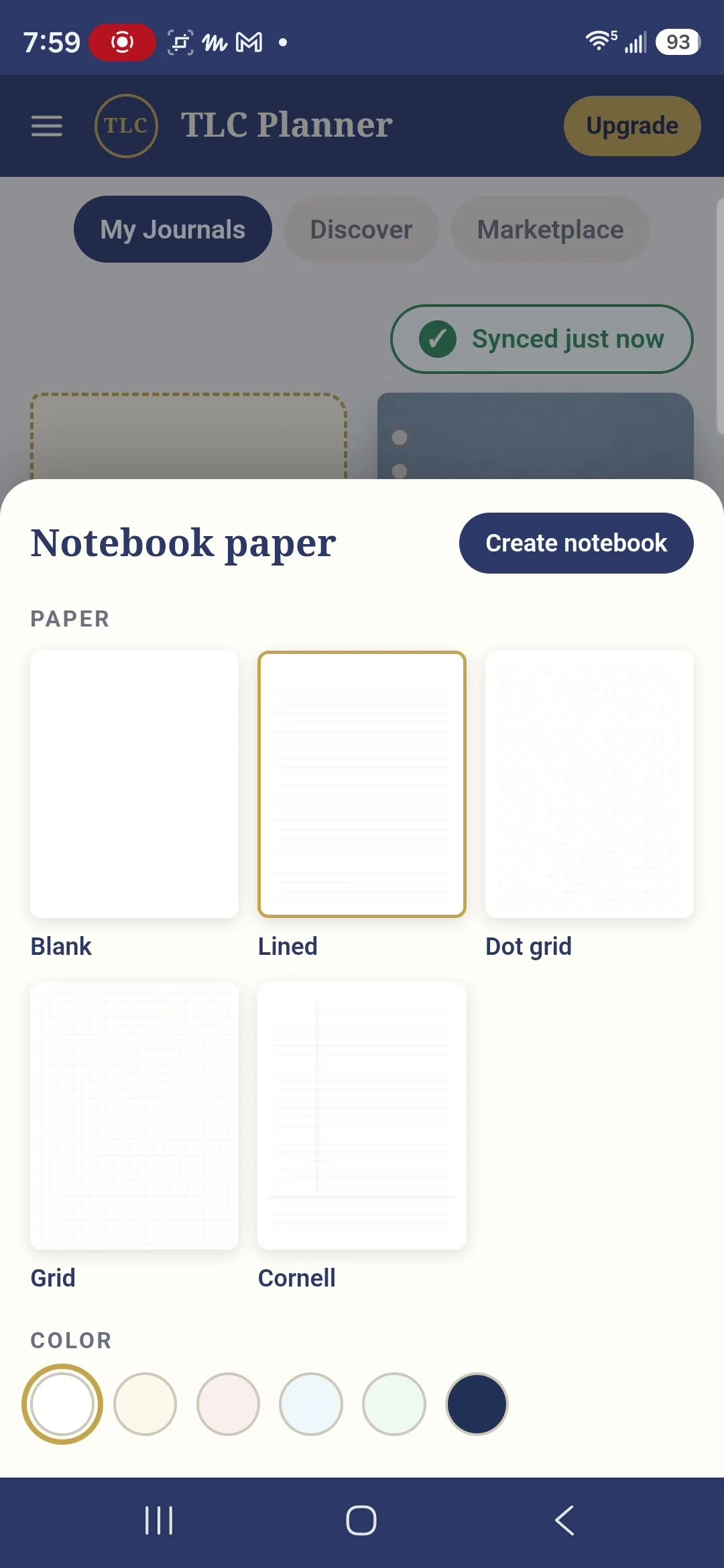
Blank, lined, dot grid, grid, Cornell — pick your paper first.
Then pick your cover. Fair warning: this library is a scroll trap. Sports, watercolor, leather, sunsets — I want them all.
Bring Your Own PDFs
This is the part I didn’t know I needed until I had it: import any PDF and write on it.
If it’s a PDF, it can live here — and you can write all over it.
A form you have to fill out. A document you need to mark up. A worksheet, a packet, a printout somebody handed you. Bring it in, write on it, highlight it, and keep it with the rest of your notebooks instead of losing it in a downloads folder.
Templates and the Marketplace Are Built In
The app comes with planner templates — daily, weekly, monthly, and budget — free with Standard, no purchase needed to start planning your days.
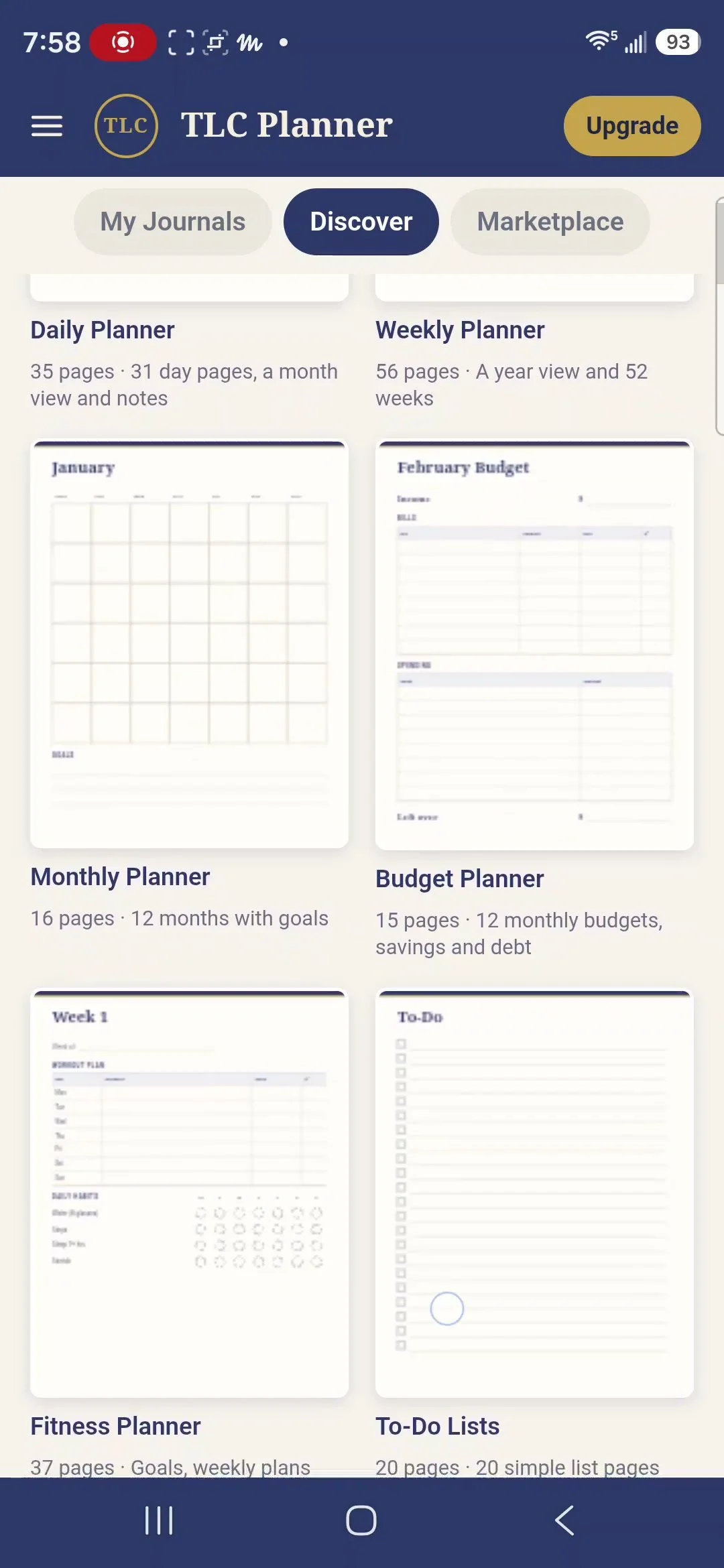
Daily, weekly, monthly, budget — the starter templates are already inside. Free.
And when you want the full hyperlinked planners, the Marketplace is right inside the app.
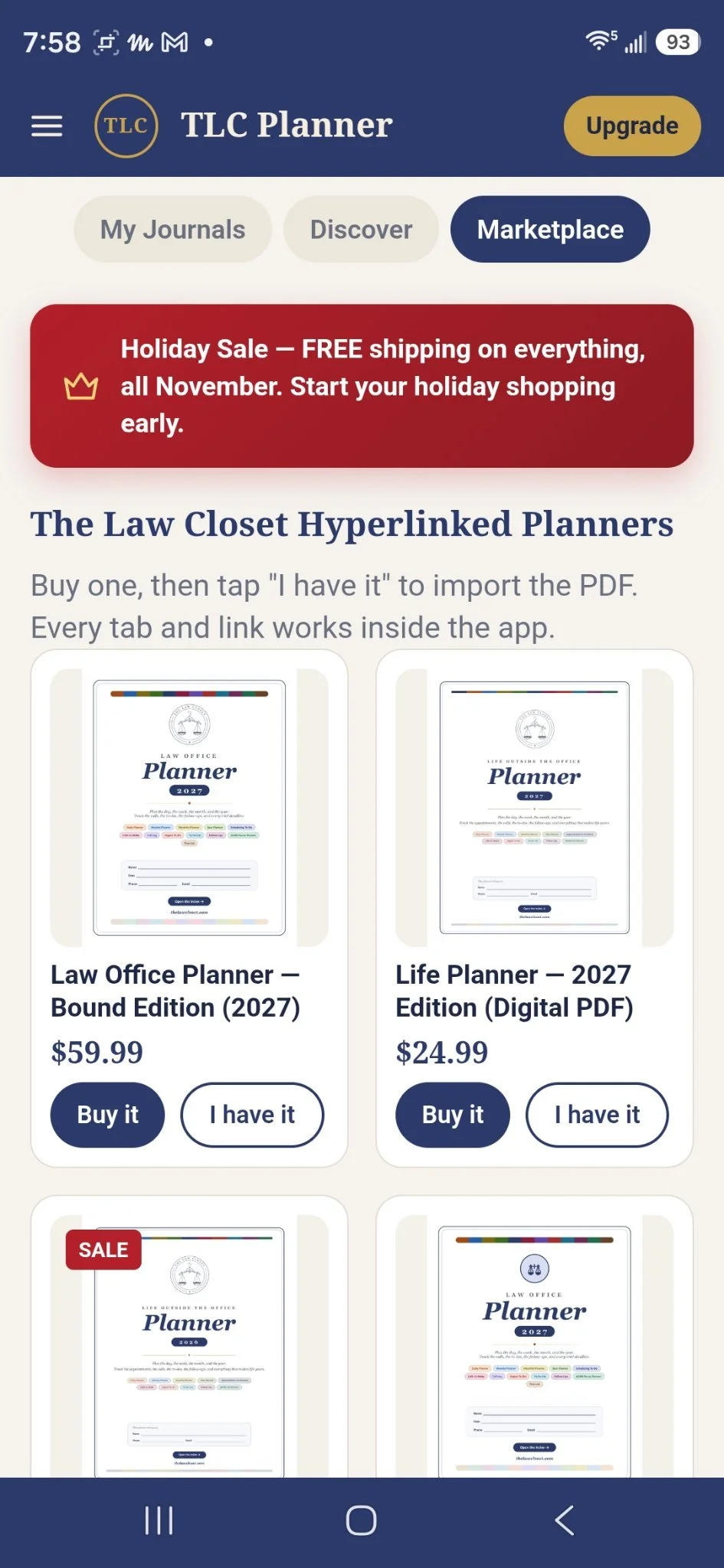
The full planners live right in the Marketplace. Already own one? Tap “I have it” and you’re in.
Get It Free — No App Store, No Fuss
TLC Planner is a website app, which means there’s nothing to hunt for in an app store and nothing to install. Go to the page, open it, sign in so your work syncs, and add it to your home screen like any other app.
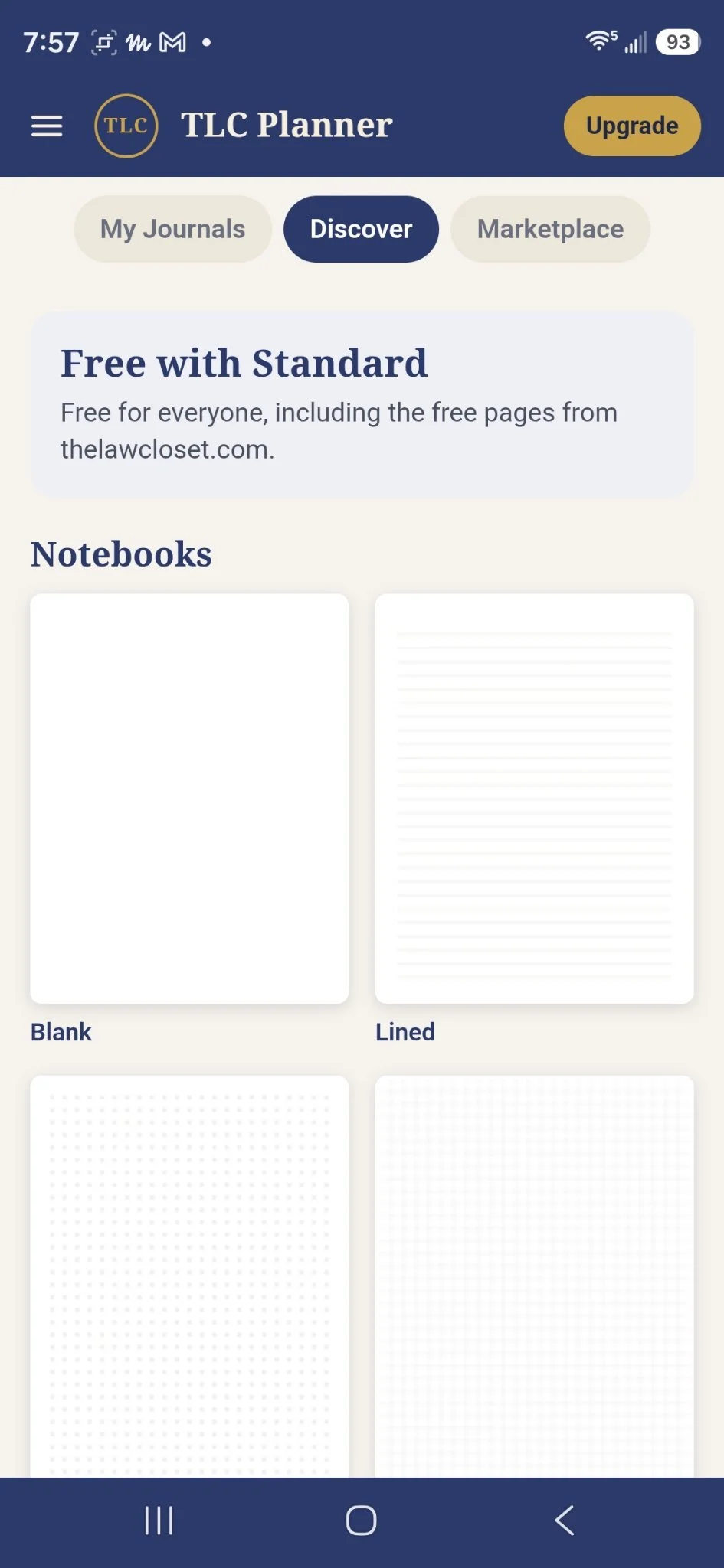
Free means free. There’s a whole shelf of it in Discover before you spend a dime.
Get the free app: thelawcloset.com/app
Shop the planners it was built for: thelawcloset.com
Your planner belongs on every screen you own. Now it is.
Shop the planner, get the free app. That’s the whole system.
— The Law Closet
